


Friday, June 15, 2007
Clear YouTube Viewing History Automatically
You might not have noticed this, but YouTube keeps a record of every video you have viewed if you are logged in. You can find your viewing history by clicking on the link marked "History" in the upper right corner which has a little red dot next to it.
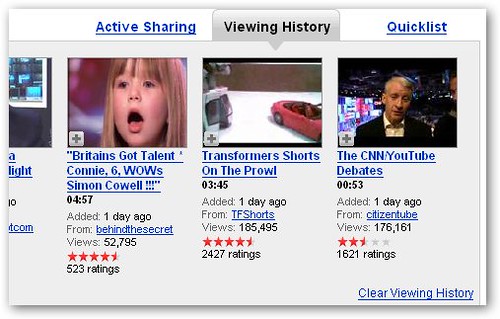
It's easy to clear your viewing history just by clicking a link, but it can be tiresome to have to do it manually every time. There isn't an option to disable it either.
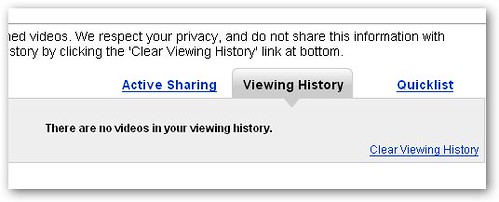
This is where YouTube History Bleach comes in. It's a Firefox extension that automatically clears your viewing history every time you watch a video so it looks like this every time:
It's easy to clear your viewing history just by clicking a link, but it can be tiresome to have to do it manually every time. There isn't an option to disable it either.
This is where YouTube History Bleach comes in. It's a Firefox extension that automatically clears your viewing history every time you watch a video so it looks like this every time:
Labels: Technology


